
Best Shopify Security Apps for 2025: A Practical Guide
- October 14, 2025
- Shopify
Estimated reading time: 18 minutes
Key Takeaways
- Security is critical to protecting your Shopify store’s revenue, brand, and customer trust.
- A multi-layered approach is best: combine apps for backups, fraud prevention, compliance, access control, content protection, and more.
- Many high-quality security apps offer free plans; however, paid features may be necessary for robust protection.
- Don’t neglect native Shopify security features like 2FA and available IP whitelisting.
- Review your security setup quarterly, and after business changes or growth spikes.
Table of Contents
- Navigating the Shopify Security Landscape
- Essential Shopify Security Apps for 2025
- Final Thoughts on Shopify Security
- Frequently Asked Questions (FAQ)
Navigating the Shopify Security Landscape
I’ve seen firsthand how easily an oversight in security can cripple an online store. It’s not just about protecting revenue; it’s about safeguarding your brand, customer trust, and operational continuity. In the fast-evolving landscape of e-commerce, especially on platforms like Shopify, neglecting security is a critical misstep. The good news is that securing your Shopify store doesn't have to be complex or prohibitively expensive.
This guide is designed to help you navigate the best Shopify security apps available in 2025. We’ll cover everything from GDPR compliance and fraud prevention to data backups, chargeback management, and content protection. My goal is to provide practical insights that help you make informed decisions, ensuring your store is resilient against emerging threats and poised for sustainable growth.
Before diving into specific apps, it’s crucial to understand the diverse facets of security. A truly secure e-commerce operation is multi-layered, addressing various vulnerabilities. Think of it as a fortress with different defenses: a robust gatekeeper for traffic, vigilant guards against fraud, secure storage for valuables, and clear rules for entry.
Here’s a breakdown of the key areas where specialized apps can bolster your Shopify store’s security:
- Privacy and Compliance: Ensuring your store adheres to global data privacy regulations like GDPR and CCPA.
- Fraud Prevention: Protecting against fraudulent orders, chargebacks, and other malicious transactions.
- Traffic Management: Blocking unwanted bots, VPNs, and suspicious IP addresses.
- Data Recovery: Implementing automated backups for your store's critical data.
- Secure File Handling: Managing customer file uploads safely and efficiently.
- Access Control: Restricting access to specific content, products, or sections of your store.
- Content Protection: Safeguarding your intellectual property, such as images and text.
- Digital Product Security: Ensuring secure delivery and protection of digital goods.
- Chargeback Resolution: Streamlining the process of disputing and recovering chargebacks.
Essential Shopify Security Apps for 2025
I've curated a list of the top Shopify security apps, each excelling in a particular domain. These aren't ranked hierarchically; rather, they serve distinct, yet equally important, security functions.
1. Rewind: Automated Store Backups
One of the most fundamental yet often overlooked aspects of e-commerce security is data backup. Shopify offers some native backup features, but for comprehensive, real-time protection, a third-party app is indispensable. This is where Rewind shines. It provides automated, real-time backups of your products, themes, blogs, customer data, and more.
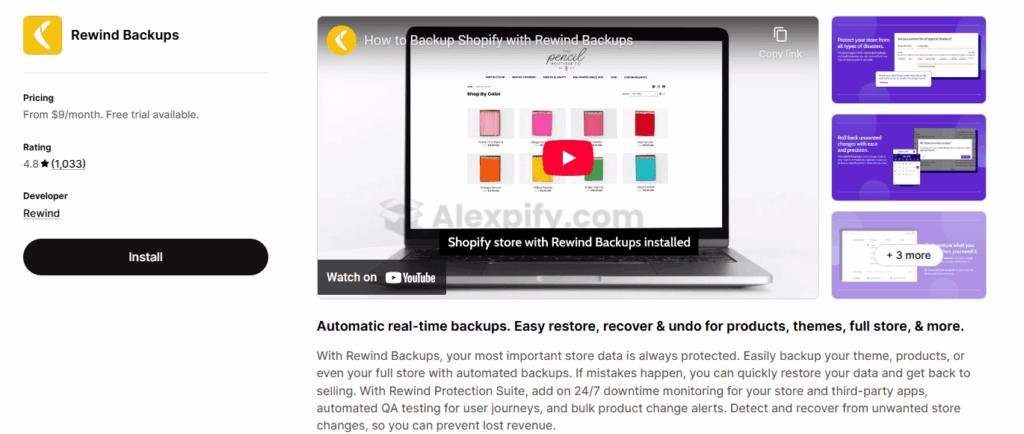
In my experience, accidental deletions or theme-breaking changes are not a matter of if, but when. Rewind’s ability to restore individual items or an entire store swiftly can be a literal business-saver. Merchants frequently praise its set-it-and-forget-it nature, operating quietly in the background until you need it most.
Key Features:
- Bulk or Individual Recovery: Enables granular restoration, from a single product listing to an entire store.
- Rewind Protection Suite: Offers advanced monitoring, automated QA testing, and product change alerts (available on higher tiers).
- Dedicated Customer Support: Known for prompt and helpful assistance with setup and recovery.
Pricing: Rewind offers plans starting at $9/month, scaling up to $79/month, with pricing tied to your monthly order volume.
Alternatives: BackupMaster and Filey are other options, though they may offer different functionalities or real-time capabilities.
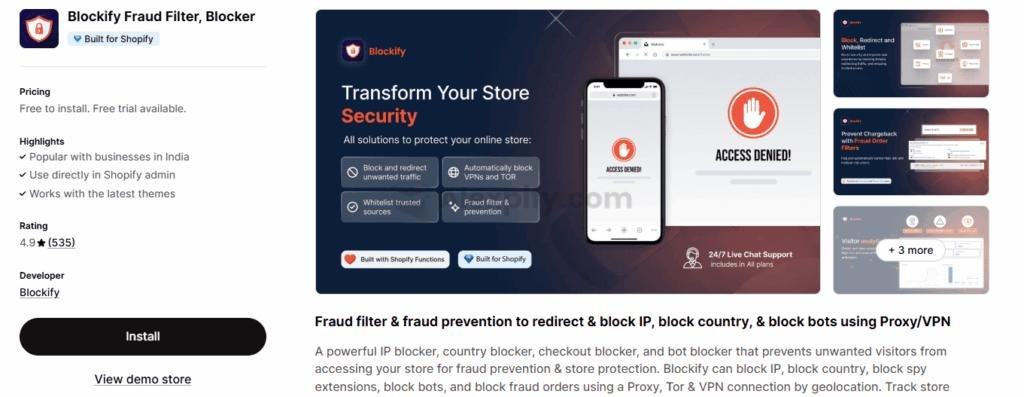
2. Blockify: Blocking Unwanted Traffic
Bots, VPNs, and suspicious IPs can wreak havoc on your store, from generating fraudulent orders to scraping content. Blockify acts as your digital bouncer, effectively blocking unwanted traffic based on various criteria. I've found it particularly useful for preventing fraud, as it can block specific IP addresses, countries, or even VPN traffic that's often associated with high-risk transactions.
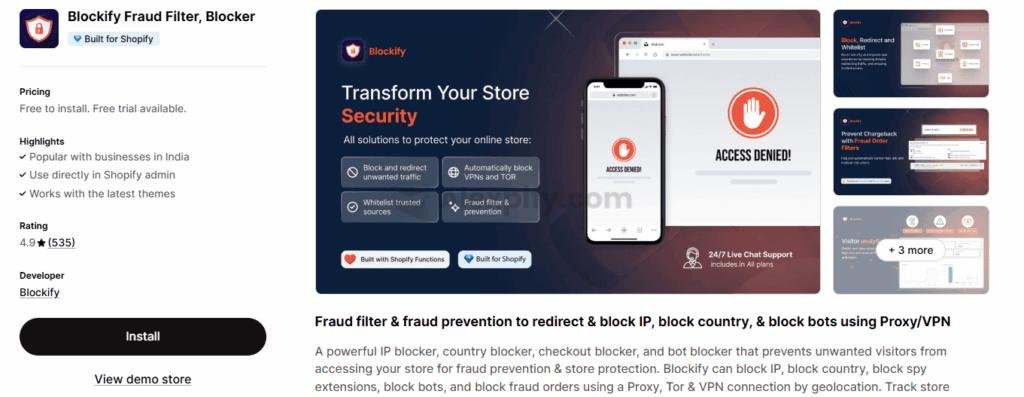
Its real-time visitor analytics provide valuable insights, allowing you to identify potential threats proactively. You can also configure it to auto-cancel flagged transactions and protect content with anti-copy measures, adding an extra layer of defense.
Key Features:
- Bot and VPN Detection: Identifies and blocks proxy, Tor, and VPN users, though careful configuration is needed to avoid blocking legitimate customers.
- Checkout Block: Filters orders based on email, phone, or name to prevent high-risk transactions from completing.
- Content Protection: Includes options to disable right-click and block copying of your store’s assets.
Pricing: Blockify offers a free plan covering essential blocking features, which many merchants find sufficient for basic needs. Paid plans, ranging from $6 to $30 per month, unlock advanced tools like auto-block proxy and deeper analytics.
Alternatives: BM: Country blocker IP blocker offers similar functionality with lower-priced plans but might lack some of Blockify’s advanced fraud analytics. Blocky: Fraud Filter Blocker is another option, but without a free plan, it might not suit all budgets.
3. Pandectes: GDPR & Privacy Compliance
In today’s global marketplace, privacy compliance is non-negotiable. If you're selling to customers in regions like the EU or California, adhering to regulations like GDPR and CCPA is paramount. Pandectes GDPR Compliance streamlines this complex process, taking the guesswork out of maintaining legal compliance.
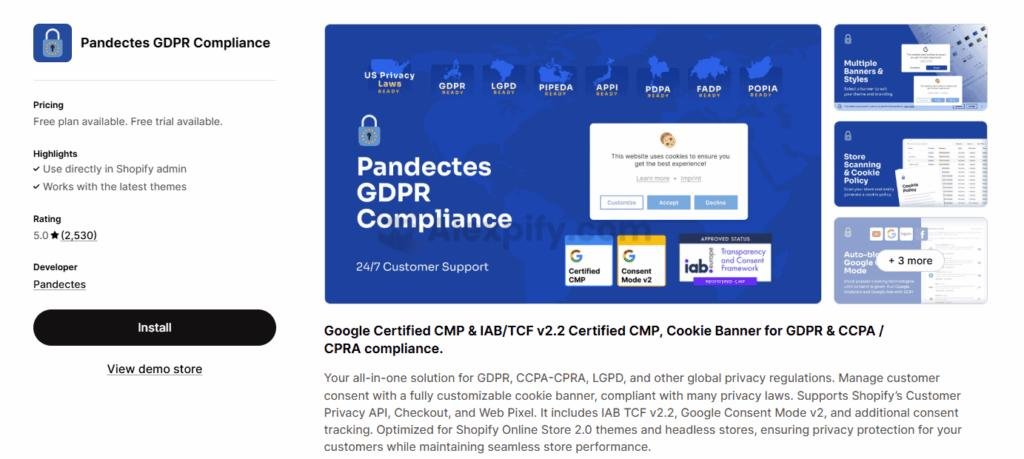
What I appreciate about Pandectes is its comprehensive approach. It's not just a cookie banner; it’s an intelligent system with AI-powered cookie scanning and automatic data-blocking capabilities. This ensures that personal data is only collected with explicit customer consent, mitigating the risk of hefty fines. Its multilingual support is also a significant advantage for stores with international clientele.
Key Features:
- AI Cookie Scan and Declaration: Automatically detects cookies and generates a comprehensive, legally compliant cookie policy.
- Auto-Blocking Technology: Prevents tracking tools from collecting data until explicit customer consent is given.
- Customer Data Requests: Facilitates handling access or deletion requests from customers via email notifications.
Pricing: Pandectes offers a free plan for basic compliance, with paid tiers at $9, $25, and $35 per month for more advanced features.
Alternatives: Consentmo GDPR Compliance and Avada GDPR Cookie Consent are other tools in this category, each with varying feature sets. Nova: GDPR Cookie Consent is a free, simpler alternative for basic needs.
4. Locksmith: Custom Access Control
Security isn’t solely about defense; it’s also about controlling access to specific parts of your store. Locksmith empowers you to create custom access rules, allowing you to lock down products, pages, collections, or even your entire store. Access can then be granted via "keys" such as customer tags, passcodes, geographic location, or custom Liquid logic.
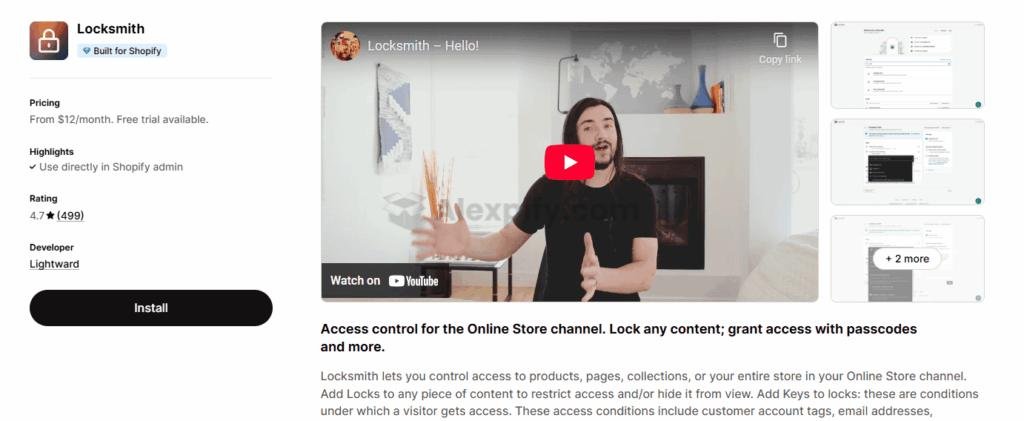
This level of control is invaluable for businesses running wholesale operations, offering VIP-only content, or managing exclusive promotions. I've seen it used effectively to hide prices for wholesale customers or to create members-only sections, all without the need for custom development. It also offers bot validation at checkout, which is a neat additional security measure.
Key Features:
- Custom Locks and Keys: Hide prices, products, or collections, revealing them based on specific criteria.
- Wholesale Pricing and Members-Only Content: Facilitates managing exclusive deals or VIP sections.
- Bot Protection at Checkout: Validates shoppers and blocks malicious bots before they can complete a purchase.
Pricing: Locksmith uses a "pay-what-feels-good" model, suggesting a price based on your store's needs but allowing you to propose a different amount. Typical plans range from $12 to $199 per month.
Alternatives: Sami B2B Lock, Password Protect and B: B2B Lock, Login & Password offer similar B2B access control functionalities.
5. RT: Disable Right Click: Content Protection
If your store relies heavily on unique product photography or original blog content, protecting your intellectual property is paramount. RT: Disable Right Click is a simple yet effective app designed to prevent unauthorized copying of images and text. It blocks right-click actions, image downloads, and common keyboard shortcuts that bad actors might use to steal your content.
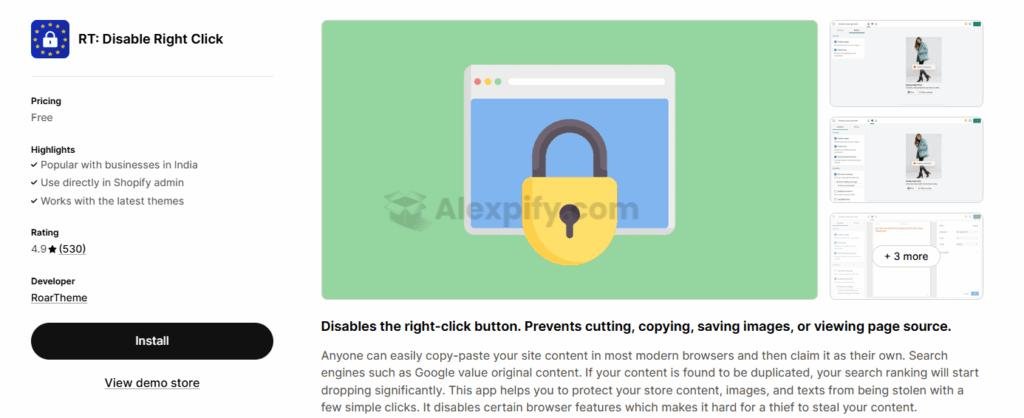
I appreciate its quick installation and activation, usually taking less than two minutes. It integrates well with other apps and even allows for customizable alert messages when someone attempts to copy your content, adding a personalized touch to your defense.
Key Features:
- Image Protection: Prevents "Save As" and drag-and-drop downloads of your images.
- Text Security: Disables copy-paste and text highlighting.
- Keyboard Shortcuts Disabled: Blocks common commands like "Save Page" or "Print Screen."
Pricing: RT: Disable Right Click is a free app, making it an excellent budget-friendly option for content protection.
Alternatives: Dakaas and TS Security offer similar right-click and text selection blocking, with some extending to IP blocking for an added layer of security. Helpy Store Protection is another all-in-one solution that includes content protection.
6. Sky Pilot: Digital Product Delivery
For businesses selling digital goods—eBooks, music, videos, or PDFs—secure and seamless delivery is critical. Sky Pilot specializes in this area, offering automated file distribution, on-brand download pages, and reliable streaming options. Its core strength lies in protecting your digital assets from unauthorized sharing.
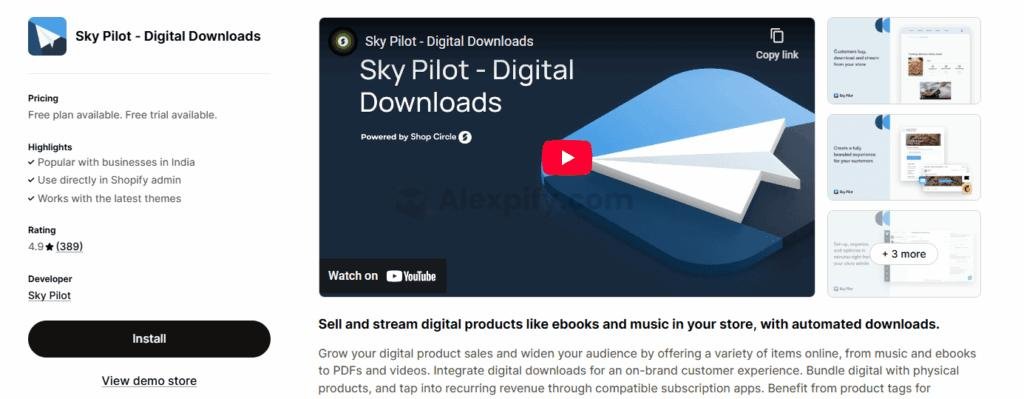
When I’ve worked with clients who sell digital products, features like PDF stamping and IP tracking in Sky Pilot have proven invaluable for preventing piracy. The ability to bundle digital items with physical products or integrate with subscription models also adds significant flexibility.
Key Features:
- Automated Delivery: Instantly sends files post-purchase or allows direct streaming from your store.
- Secure File Management: Features like PDF stamping (on higher plans), download limits, and IP address tracking enhance security.
- Subscription and Bundling: Supports combining digital products with physical items and integrating with recurring billing apps.
Pricing: Sky Pilot offers a Free Plan with 100MB of storage and 2GB of monthly bandwidth. Paid plans (from $9 to $49 per month) unlock more storage, higher bandwidth, and additional features.
Alternatives: EDP - Easy Digital Products and LDT Digital Downloads Pro offer similar functionalities, with EDP including PDF stamping on all paid plans. BIG Digital Downloads Products is another comparable option.
7. Beacon Fraud Protection: Preventing Fraudulent Orders
Fraudulent orders are a direct hit to your bottom line, leading to lost products, shipping costs, and chargeback fees. Beacon Fraud Protection acts as an intelligent firewall, analyzing advanced risk signals to automatically block suspicious transactions before they can cause damage. I've found its ability to identify patterns like VOIP usage, invalid addresses, and multiple customer accounts to be highly effective.
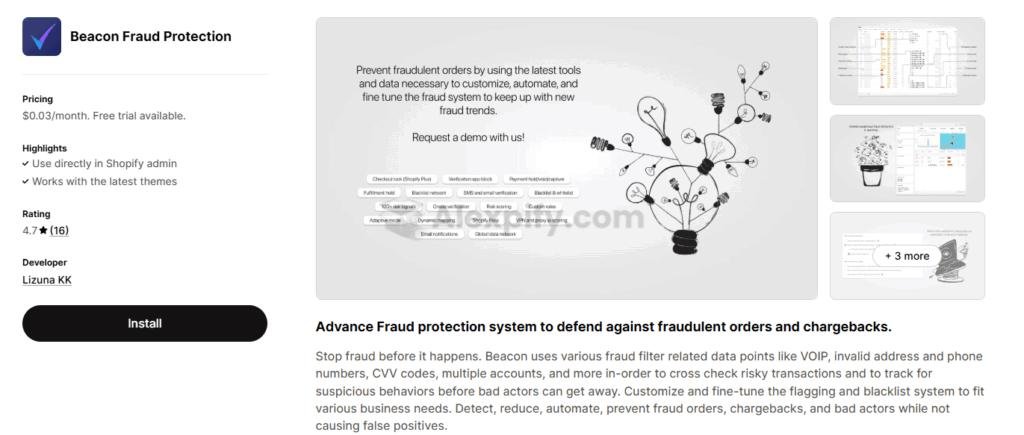
The app’s customization and automation features are also a huge plus. You can fine-tune fraud filters, blacklist known offenders, and automate actions like holding or canceling high-risk orders, all without disrupting legitimate transactions.
Key Features:
- Customize and Automate: Allows for fine-tuning fraud filters and automating actions based on risk levels.
- Verify High-Risk Orders: Reduces false positives by enabling verification of suspicious orders rather than outright rejection.
- Track Fraud Patterns: Detects credit card fraud, account takeovers, and promotional abuse in real-time.
Pricing: Beacon charges $0.03 per order, with discounts available for high-volume stores processing over 5,000 orders per month.
Alternatives: Eye4Fraud and NoFraud are popular alternatives, though their pricing models or sensitivity levels may vary. For instance, NoFraud, while AI-driven, has been noted by some merchants to be overly sensitive.
8. File Uploads by UploadKit: Secure File Submissions
For businesses offering custom products where customers upload their own artwork or photos, ensuring the security of these files is paramount. File Uploads by UploadKit simplifies and secures this process. It allows customers to easily preview and edit their images while automatically scanning for malware in the background, preventing risky files from compromising your store.
I particularly like its user-friendly setup and broad compatibility, accepting files from various sources like phones, computers, social media, and cloud storage. The direct sync to Google Drive for order handling and post-purchase upload capabilities further enhance its utility.
Key Features:
- Automatic Malware Scanning: Blocks suspicious files, maintaining store security.
- Post-Purchase Uploads: Enables customers to add or update files after checkout.
- Wide Source Support: Customers can upload files from diverse devices and accounts.
Pricing: File Uploads by UploadKit offers a free plan, along with Growing ($9.95/month) and Pro ($24.95/month) plans.
Alternatives: Uploadly - File Upload and File Upload by Uploadery are other options, though they may lack built-in malware protection, necessitating additional security measures.
9. Chargeflow: Chargeback Management
Chargebacks can be a significant headache for any e-commerce business, impacting not just revenue but also valuable time. Chargeflow tackles this challenge head-on by leveraging AI and automation to manage chargeback disputes from inception to resolution. It streamlines the entire process, from gathering evidence to crafting detailed responses and submitting them on your behalf.
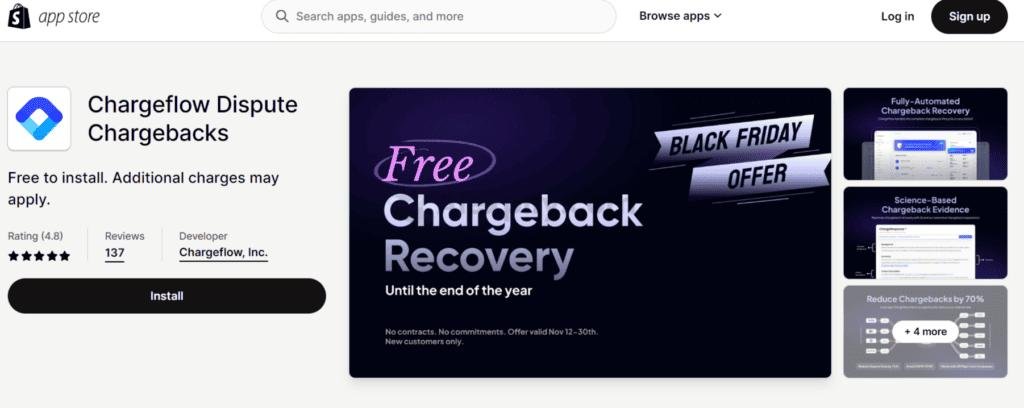
What makes Chargeflow particularly appealing is its success-based pricing model, meaning you only pay when they successfully recover funds. Beyond dispute resolution, it provides valuable insights into why chargebacks occur, enabling you to implement preventative measures and reduce future incidents.
Key Features:
- Automated Dispute Handling: Collects evidence, builds tailored responses, and submits them to payment processors.
- Centralized Dashboard: Offers a single platform to monitor and manage all chargebacks.
- Predictive Success ('ChargeScore'): Uses AI to forecast dispute outcomes, enhancing your chances of winning.
Pricing: Chargeflow operates on a success-based model, charging a 25% fee only when they successfully recover funds from a chargeback.
Alternatives: ChargePay is a trusted solution with a similar focus, charging a 20% fee for successful recoveries.
Final Thoughts on Shopify Security
Securing your Shopify store is an ongoing process, not a one-time setup. It requires a proactive approach and a willingness to adapt to new threats. While native Shopify features provide a baseline, leveraging specialized apps like those outlined above creates a robust, multi-layered defense.
If I were to recommend one indispensable tool, it would be Rewind. The peace of mind that comes with knowing your entire store data is constantly backed up and easily restorable is invaluable. Data loss can be catastrophic, and Rewind offers an essential safety net.
However, a truly secure store integrates solutions across various domains: fraud prevention (Beacon, Blockify), compliance (Pandectes), access control (Locksmith), content protection (RT: Disable Right Click), digital product security (Sky Pilot), and chargeback management (Chargeflow). Evaluate your store's unique needs, vulnerabilities, and budget to build a tailored security strategy. Don't forget to enable Shopify's native security features, such as two-factor authentication (2FA) for staff and, where available, IP whitelisting for certain plan levels (https://community.shopify.com/t5/Shopify-Discussion/Concerns-About-Security-Apps-Privacy-Policies-in-the-Shopify-App/td-p/394097).
Frequently Asked Questions (FAQ)
Q: Why do I need third-party security apps if Shopify has built-in security?
A: While Shopify provides robust platform-level security, third-party apps address specific vulnerabilities and enhance protection in areas like advanced fraud detection, comprehensive data backups, granular access control, and specialized content protection that go beyond Shopify's core offerings. These apps allow you to tailor your security posture to your unique business needs and mitigate risks more effectively.
Q: Are free Shopify security apps reliable?
A: Many free Shopify security apps, like RT: Disable Right Click and Blockify's free tier, offer essential features that are genuinely reliable for basic protection. However, their capabilities are often limited compared to paid versions or more specialized solutions. It's crucial to assess if the free app adequately covers your specific security concerns or if a paid upgrade is necessary for comprehensive protection.
Q: How often should I review my Shopify store's security?
A: I recommend reviewing your Shopify store's security measures at least quarterly, or whenever you make significant changes to your store, introduce new products, or experience a surge in traffic. Regularly checking app settings, reviewing fraud analytics, and staying informed about new security threats are vital practices for maintaining a secure environment.
Q: Can security apps slow down my Shopify store?
A: Some apps, especially those that run extensive real-time scans or complex scripts, can potentially impact store performance. However, reputable developers prioritize efficiency. It’s always wise to test any new security app in a development environment if possible, and monitor your store's speed metrics after installation to ensure it doesn't negatively affect user experience.
Q: What is the biggest security threat for Shopify stores?
A: While data breaches and content theft are significant, for many Shopify stores, the biggest ongoing threat is fraudulent orders and chargebacks. These directly impact revenue, increase operational costs, and can harm your payment processor relationships. Apps like Beacon Fraud Protection and Chargeflow are specifically designed to combat these pervasive issues.
Q: Is GDPR compliance mandatory for all Shopify stores?
A: GDPR (General Data Protection Regulation) compliance is mandatory if your Shopify store collects or processes personal data from individuals within the European Union, regardless of where your business is located. Similarly, CCPA (California Consumer Privacy Act) applies if you collect data from California residents and meet certain thresholds. Non-compliance can lead to substantial fines, making tools like Pandectes essential for international sellers.

About us and this blog
Alexpify is a knowledge hub for entrepreneurs who want to master Shopify dropshipping and global e-commerce. Founded by Alex, the blog shares practical guides, real insights, and step-by-step tutorials that simplify online business for everyone — from beginners to full-time digital sellers.

More from my blog
See all posts